


CPU-Z & HWMonitor Hacked via Supply Chain Attack (April 2026) – How to Check Your PC
[This article may contain PR]
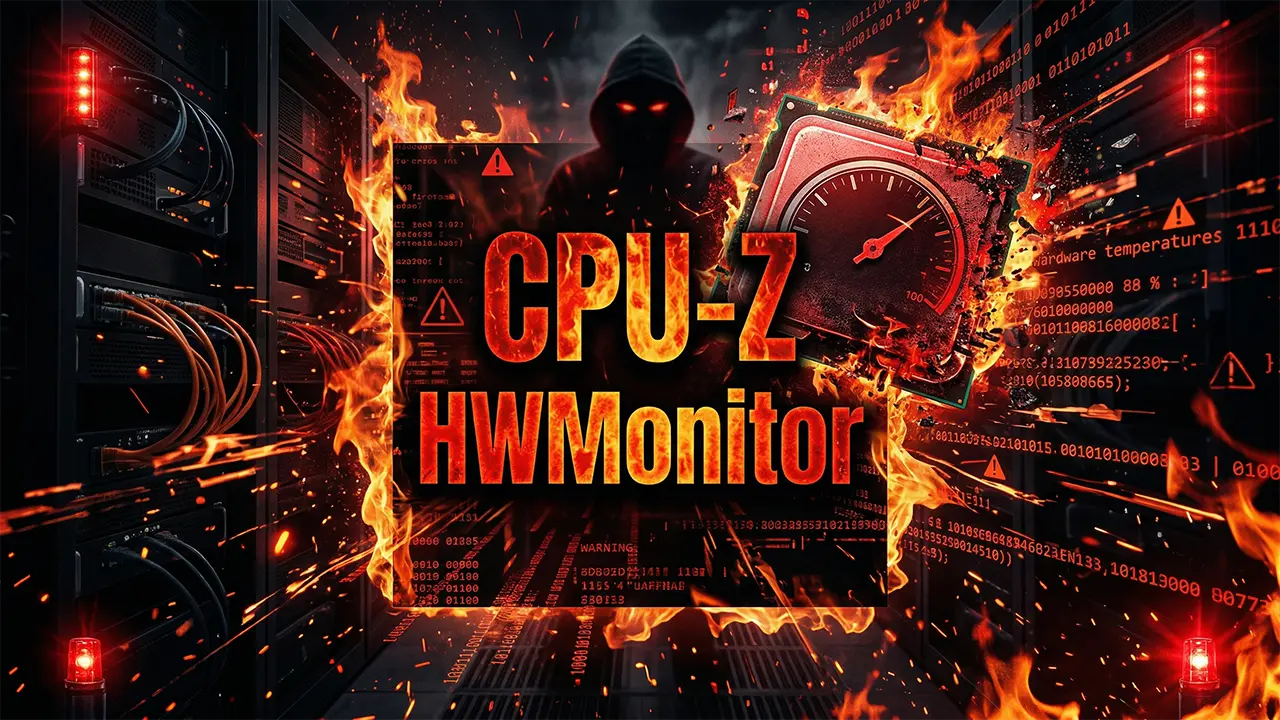

Key Takeaways
- The Incident: Between April 9 and 10, 2026, the official CPUID website was compromised in a supply chain attack, distributing malware-infected versions of CPU-Z and HWMonitor.
- The Threat: The malware utilizes a DLL hijacking technique—hiding as a fake cryptbase.dll file—to evade standard antivirus detection and operate directly in your system’s memory.
- The Goal: Attackers aim to steal sensitive authentication data, particularly login credentials and session tokens saved in browsers like Google Chrome.
- Immediate Action: If you downloaded these tools during the affected 6-hour window, you must immediately check for suspicious files like “HWinfo_monitor_setup.exe,” run a full system scan, and change all passwords from a separate, secure device.

Are CPU-Z and HWMonitor Safe to Use?
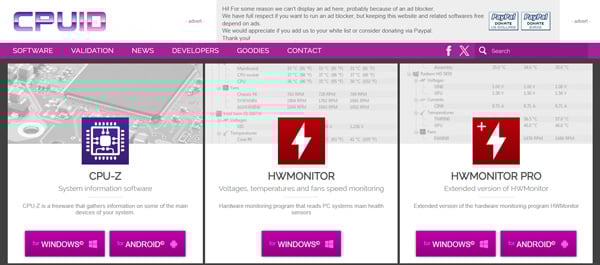
(Source: CPUID)
Historically, CPU-Z and HWMonitor have been entirely safe and trusted by tens of millions of PC builders, gamers, and IT administrators worldwide. However, if you downloaded or updated these tools between April 9 and April 10, 2026, your PC may be infected with a severe Trojan malware.
Because the hackers infiltrated the official CPUID infrastructure, users who followed standard, safe downloading practices were unknowingly exposed to a highly sophisticated cyberattack.
How to Check If Your PC is Infected
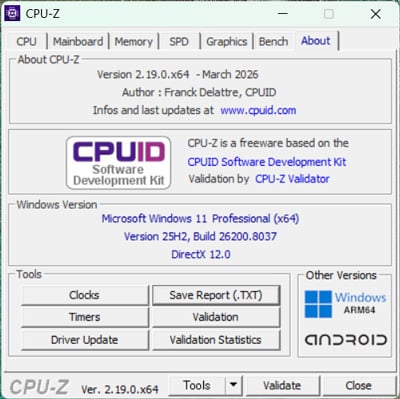
If you visited the official CPUID website (cpuid.com) during early April 2026, you must immediately verify your system’s integrity. Look for the following red flags:
- Suspicious File Names: If you attempted to download HWMonitor but received a file named HWinfo_monitor_setup.exe, your download was intercepted. (Note: “HWiNFO” is a legitimate, separate tool by a different developer; the attackers intentionally used a confusingly similar name to deceive users.)
- Presence of cryptbase.dll: If you downloaded the portable ZIP versions of CPU-Z (such as version 2.19) or HWMonitor, extract the folder and check for a file named cryptbase.dll. While the main executable (.exe) file is authentic and digitally signed, having this fake DLL in the same folder automatically triggers the malware.
- Unexpected Russian Language: CPUID is a French software company. If you launch the installer and the setup screen is in Russian, cancel it immediately—it is a fake, malicious file.

Immediate Actions to Take If You Suspect Infection
This specific Trojan is designed to aggressively extract passwords from your system. If you notice any of the above symptoms, take these steps immediately:
- Change Passwords from a Safe Device: Do not use the infected PC. Use your smartphone or a different computer to change the passwords for your Google accounts, social media, banking, and crypto wallets.
- Enable Multi-Factor Authentication (MFA): Ensure two-factor authentication is active on all critical accounts to prevent unauthorized access.
- Run a Full System Scan: Immediately run a deep, full system scan using Windows Defender or your preferred premium security software.
- Perform a Clean Windows Install: Because this malware operates in-memory and leaves few traces on the hard drive, a standard antivirus scan may not completely remove it. For guaranteed safety, back up your essential data to an external drive and perform a clean installation of Windows.

How the CPUID Supply Chain Attack Happened
The attackers did not directly deface the main CPUID website. Instead, they executed a supply chain attack by compromising a secondary API that the site relies on.
When users clicked the legitimate download button, the compromised API quietly redirected the download request to an attacker-controlled cloud storage environment hosted on Cloudflare R2.
The Threat of DLL Hijacking
According to analysis by security research groups like VX Underground, the payload is uniquely dangerous because it leaves almost no footprint on your local disk. It utilizes a technique called DLL Side-Loading (or DLL Hijacking).
Windows OS is designed to load files located in an application’s immediate folder before searching system folders. By placing a malicious file named cryptbase.dll (which shares the name of a legitimate Windows component) next to the real CPU-Z executable, the malware activates automatically when you run the software. It then establishes a connection with an external Command and Control (C2) server, granting attackers system-level privileges to decrypt and steal your saved browser passwords.

What Are CPU-Z and HWMonitor?
For context, CPU-Z and HWMonitor are essential freeware utilities developed by the French company CPUID. They have been industry standards for over 20 years.
| Tool | Core Functionality | Target Audience |
|---|---|---|
| CPU-Z | Instantly displays detailed hardware specifications (processor name, core count, motherboard model, RAM type). | PC beginners, DIY PC builders, IT administrators, Sysadmins |
| HWMonitor | Real-time tracking of hardware health sensors (CPU/GPU temperatures, voltages, power consumption, fan speeds). | Casual gamers, PC overclockers |
How to Safely Download Freeware in the Future
The IT industry’s golden rule—”It is safe if you download it from the official website”—has been shattered by this incident. Freeware tools made by independent developers or mid-sized companies are increasingly becoming targets for supply chain attacks. In fact, the same hacker group is believed to be responsible for similar attacks on FileZilla in March 2026 and 7-Zip in February 2026.
To protect yourself moving forward:
- Verify File Names: Never run an installer if the file name looks slightly altered from what you expected.
- Watch for Language and UI Anomalies: Cancel installations if a program unexpectedly defaults to a foreign language like Russian.
- Trust Your Security Software: If Windows Defender flags a newly downloaded file, do not assume it is a “false positive.” Stop the installation immediately.
> Click here for the official CPUID website


Sakana Fugu AI Review: Is This Multi-Agent Orchestrator the Ultimate Claude Fable 5 Alternative?

The Complete Guide to NVIDIA RTX Spark: Specs, Pricing, and the Reality of Arm Compatibility
Warning: Fake 7-Zip Sites Are Topping Search Results – How to Spot the Real Deal and Stay Safe

Complete Data Recovery Guide: How to Restore Lost Data and Take Perfect Precautions

Master Bluetooth Tethering! How to Connect Android/iPhone to a PC

MetaMe SQUAD: Free Metaverse Service Development Program for Businesses – Features, Benefits, and Use Cases of MetaMe by NTT Docomo and Relic
On the lifestyle web magazine "Minna no Rakuraku Magazine",
we update useful tips and deals every month. Please bookmark us!
- Nvidia NTC Explained: How AI Cuts VRAM Usage by 85% and Saves 8GB GPUs
- Tesla Bot Optimus Release Date & Price: The 2026 Guide to Elon Musk's Humanoid Robot